
eSIM compatible iPhones: the full list model by model (2026)
Can your iPhone take an eSIM? Short answer: if it dates from 2018 or later, yes. Full answer: there are exceptions that can cost you dearly, and we list them all.
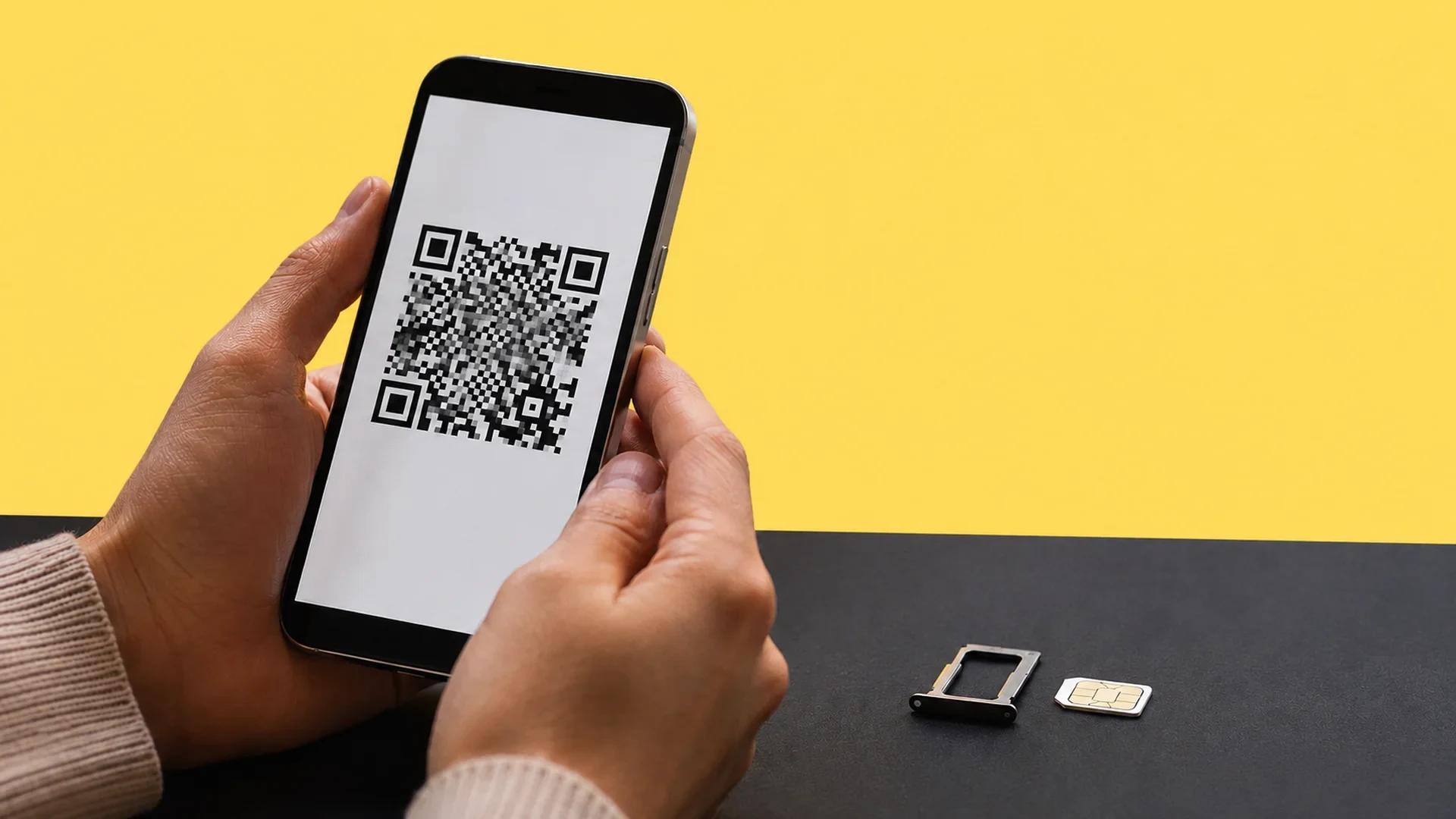
Is your device eSIM compatible?
Pick your brand, then your model: instant verdict.
Which iPhones are eSIM compatible? The full list
The rule is simple: Apple introduced the eSIM in late 2018, and every iPhone released since is eSIM compatible. We rebuilt the list model by model, generation by generation, from Apple's official page and provider lists.
2018: iPhone XS, iPhone XS Max, iPhone XR (1 active eSIM + 1 physical SIM).
2019: iPhone 11, iPhone 11 Pro, iPhone 11 Pro Max (1 eSIM + 1 physical SIM).
2020: iPhone SE 2, iPhone 12, iPhone 12 mini, iPhone 12 Pro, iPhone 12 Pro Max (1 eSIM + 1 physical SIM).
2021: iPhone 13, iPhone 13 mini, iPhone 13 Pro, iPhone 13 Pro Max (2 active eSIMs or eSIM + physical SIM).
2022: iPhone SE 3, iPhone 14, iPhone 14 Plus, iPhone 14 Pro, iPhone 14 Pro Max (2 eSIMs or eSIM + physical SIM).
2023: iPhone 15, iPhone 15 Plus, iPhone 15 Pro, iPhone 15 Pro Max (2 eSIMs or eSIM + physical SIM).
2024: iPhone 16, iPhone 16 Plus, iPhone 16 Pro, iPhone 16 Pro Max (2 eSIMs or eSIM + physical SIM).
2025: iPhone 16e, iPhone 17, iPhone 17 Pro, iPhone 17 Pro Max, iPhone 17e, iPhone Air (2 eSIMs; the iPhone Air is eSIM only).
List drawn up on 13 August 2026 from the official Apple support page and manufacturer spec sheets.
Two useful takeaways from this list. First, if your phone is a new iPhone or any Pro Max model, iPhone 14 Pro, iPhone 15 Pro or iPhone 16 Pro: the compatibility question no longer arises, everything works.
Second, since the iPhone 13, you can run two active lines at the same time, for instance your home mobile plan for calls and a local eSIM for data when travelling. On the 2018 to 2020 models, the second line necessarily goes through the physical SIM card. For the detail of stored and active profiles generation by generation, we dedicated a full article to the question how many eSIMs on an iPhone.
A word on the iPhone Air: it has no SIM tray at all. It is the first iPhone sold worldwide as eSIM only, and that is a major shift: the physical SIM card becomes the exception at Apple, no longer the rule.
This check is step one before buying an eSIM card, whether from a carrier or from an international travel eSIM provider. The eSIM, this virtual SIM card, is gradually replacing the little tray: worth knowing whether your next line will live on a SIM card or an eSIM.
In the rest of this 2026 rundown of the Apple iPhone range: the method to check compatibility in the settings (with the EID number), activation by QR code or eSIM profile transfer, the traps by country (mainland China, Hong Kong, eSIM-only American models), the iPad situation, and a detour through Android devices, from Samsung Galaxy to Google Pixel via Oppo Find, Huawei Mate and Xiaomi. The goal: knowing whether your smartphone, your tablet or the one you plan to buy second-hand supports eSIM.
How to check your iPhone's eSIM compatibility
No need to be a power user: a trip to the settings is enough. The list above settles 95% of cases, but your device's real eSIM compatibility also depends on its origin and its lock status. Here is the three-step check, 30 seconds flat.
1. Open Settings, then General, then About. Scroll down: if an EID line appears (a 32-digit identifier), your iPhone has the eSIM module. You can also dial *#06# to display that number directly.
2. Go to Settings, then Mobile Data. If you see the "Add eSIM" or "Add Mobile Plan" option, the feature is active on your iOS version and your carrier can install a line there.
3. Check that your iPhone is unlocked. A carrier-locked device can refuse another provider's eSIM. The information shows in Settings, General, About, on the "Carrier Lock" line: it must read "No SIM restrictions".
If one of these checks fails even though your model is on the list, two possible explanations: an iPhone bought in a region without eSIM (coming right up), or an iOS version that is too old. A software update fixes the second case.
The exceptions by country: China, Hong Kong, United States
This is the point almost nobody covers, and yet it is where the bad surprises happen, especially on the second-hand market and for frequent travellers.
In mainland China, the eSIM was long absent from iPhones: according to Apple's official page consulted in August 2026, only the iPhone 17e and iPhone Air support eSIM there. In practice, an iPhone 15 or 16 bought in mainland China has no usable eSIM module, even in France. In Hong Kong and Macao, some models carry two nano-SIM trays in place of one of the eSIM lines.
In the United States, it is the opposite: since the iPhone 14, models sold on the American market are eSIM only, with no SIM tray at all. If you buy an iPhone there to enjoy the exchange rate, know that no physical SIM card will ever fit in it: all your lines will have to be eSIMs. For a trip there, you can compare local offers on our USA eSIM page.
The rat's advice: Buying a second-hand iPhone? Ask for a screenshot of Settings, General, About before paying. No EID line: it is a mainland China model without eSIM, and no update will make it appear. That detail is the difference between a bargain and a phone unusable with a travel eSIM.
Not team iPhone? The compatible Android devices and iPads
The compatibility question also arises for the rest of the family or your next switch of sides. Good news: on a recent mid-range or high-end Android device, eSIM has become standard. Here are the main compatible ranges in 2026.
Samsung: Galaxy S20 to S25 (including S22, Ultra 5G, Galaxy Note 20), Galaxy Z Fold 2 to 7, Galaxy Z Flip 1 to 7, Galaxy A55 and A56.
Google: Pixel 4 to Pixel 10, including the Pro and the a variants.
Oppo: Oppo Find X5, X8 and X8 Pro, Find N3, Reno14.
Huawei: P40, P40 Pro, Huawei Mate 40 Pro, Pura 70 Pro.
Xiaomi: Xiaomi 13, 13T Pro, 14T Pro, 15T Pro, Redmi Note 14 Pro+.
Motorola: Motorola Edge 40 Pro to 60 Ultra, Motorola Razr 2019 to 60 Ultra, some Moto G.
Sony: Sony Xperia 1 V to VII, Xperia 5 IV and V, Xperia 10 IV to VI.
Honor: Honor Magic 6 Pro, Magic 7 Pro, Honor 300 Pro.
Others: OnePlus 12, 13 and Open, Fairphone 5, Nothing Phone 3, Nokia XR21 and X30, Microsoft Surface Duo, and depending on the market some Sharp Aquos and Vivo.
Ranges checked on 13 August 2026 against manufacturer spec sheets. Variants differ by market: verify your exact model with the manufacturer or dial *#06#.
One caution though: at Samsung Galaxy as elsewhere, the same range can exist in versions with and without eSIM depending on the country of sale. On the eSIM front, the European Samsung Galaxy is well served: a European Galaxy S22, S23 or S24 is compatible, some Asian versions are not. When in doubt, Samsung's official support page details the support.
At Google Pixel, support has been consistent since the Pixel 4, from the Pixel 8 Pro, Pixel 9 and Pixel 10 down to the a variants. Same logic for the eSIM, recent Sony Xperia handle it as standard. The universal check remains the same as on iPhone: dial *#06# and look for an EID number.
On the tablet side, eSIM covers every recent cellular iPad generation: iPad Pro 11-inch (1st generation and later), iPad Pro 12.9-inch (3rd generation and later), iPad Air (3rd generation and later), standard iPad (7th generation and later) and iPad mini (5th generation and later). Handy to give your tablet data without touching your main plan. Cellular Apple Watches also use an eSIM, managed from the iPhone.
How to activate an eSIM on your iPhone
Your model is on the list, the EID line shows: all that remains is to activate an eSIM. First connect your iPhone to Wi-Fi: Apple requires it for most installations, during initial setup as afterwards. Allow 2 minutes for a full activation. According to Apple's official documentation, you have several methods, from the simplest to the most manual.
1. Quick transfer: to move your line from an old iPhone to the new one, without contacting the carrier. It requires iOS 18.4 or later on both devices, Bluetooth on, and following the on-screen instructions. Since iOS 26, you can even transfer several numbers at once, and some carriers handle direct transfer from an Android device.
2. The QR code: the go-to method for a travel eSIM. You buy your plan online, receive a QR, scan it with the camera, tap the "Mobile plan detected" notification, and the eSIM profile installs. On iOS 17.4 and later, a long press on the QR received by email is enough.
3. Carrier or app activation: the line arrives on the iPhone on its own ("Mobile plan ready to be installed" notification), or you go through the provider's app which installs the profile for you.
4. Manual entry of the details in Settings, Mobile Data, as a last resort.
After that, everything is managed in the settings: you can switch between lines, designate the data line, and keep 8 eSIMs or more in memory on the same iPhone, with two active simultaneously. Connection sharing works normally with an eSIM: you can enable the hotspot towards your computer just like with a physical SIM card.
Once the line is active, you stay connected in 4G LTE or 5G depending on your plan and coverage. The full walkthrough, screenshot by screenshot, is on the Apple Support page.
Which carriers and providers support eSIM?
A compatible device is not enough: your line also needs to come from a carrier that supports eSIM. Apple publishes the worldwide list of compatible carriers. In France, the four major networks (Orange, SFR, Bouygues Telecom and Free) offer it on their recent plans, generally at no extra cost or for a few euros of activation fees, and most let you convert an existing physical SIM card to an eSIM from the customer area.
Among virtual carriers, support improves year on year: check on the carrier's website that it supports eSIM before subscribing, or ask customer service, it is still the criterion that sorts them. Prices vary little: conversion is often free from the customer area.
And then there is the other family, built for international travel: the travel eSIM, prepaid, with no monthly subscription, bought online for a specific destination instead of having to buy a local SIM card on arrival. Getting one takes five minutes on the provider's website, and Apple itself documents using eSIM while travelling on its support page.
Airalo, Holafly, Saily, Ubigi, Nomad, Yesim, voilà and some twenty others compete for the market, each with its strengths: voilà, for instance, positions itself on value for money with final displayed prices, an eSIM that is easy to install with an easy-to-use app, and human customer support 24/7; others play the unlimited-data or multi-country coverage cards.
That is exactly the kind of trade-off the comparator settles, destination by destination: our page of compared eSIM carriers and providers gives you the overview, with hand-checked prices.
The market moves fast: even creators launch their own offer, as we dissected on the blog in our analysis of Squeezie's eSIM. For your own use, the logic stays the same in every case: a compatible device, an eSIM profile installed in 2 minutes, and a mobile plan suited to your destination and your data consumption. Travelling with the right connectivity is just that.
In short: is your iPhone ready for eSIM?
If your iPhone dates from 2018 or later, it is eSIM compatible, from the XS to the 17 Pro Max via the SEs and the iPhone Air. The only real exceptions: models bought in mainland China (except 17e and Air), and a few subtleties in Hong Kong. The check takes 30 seconds in the settings with the EID line, installation 2 minutes with a QR code. The remaining questions are in the FAQ just below.
The rat's advice: If you are going travelling, do not grab the first offer that comes along. Compare first, activate second. Not the other way round.
Frequently asked questions
Is the iPhone 11 eSIM compatible?
Do iPhone SE models support eSIM?
How many eSIMs can an iPhone store?
Can you use an eSIM and a physical SIM card at the same time?
How do I know whether my iPhone is unlocked for an eSIM?
Are iPads eSIM compatible?
Is an iPhone bought abroad eSIM compatible in France?
Most read
 August 18, 202614 min read
Free Mobile country list: the destinations included abroad (2026)
Free 5G+ plan: 35 GB across 117 destinations. Free Max: unlimited in over 140. The full list of included countries, the limits and the plan B.
 Rony
Rony July 28, 20267 min read
Squeezie eSIM: should you use the Saily promo code?
Squeezie sponsors the Saily eSIM with a -15% promo code. We break down the offer, compare price per GB and tell you whether it is really the best deal.
Rony August 28, 202610 min read
Free eSIM: what is actually free, and what is not (2026)
Six eSIMs with real free data, as reported on September 15, 2026, from providers, their terms and conditions, and when paying €0.80 becomes the smarter choice.
Rony August 19, 20269 min read
La Poste Mobile eSIM: not available yet, and here is when that changes (2026)
La Poste Mobile does not offer eSIM yet, only physical SIM cards. Announced launch date, alternatives and compatible phones in 2026.
Rony August 25, 202610 min read
Numero eSIM review: legit or not? What the ratings don't tell you (2026)
Suspended Trustpilot rating, 3.5/5 on the App Store, disputed charges: our full Numero eSIM review, with verified prices and the alternatives.
Rony August 26, 20269 min read
Does WhatsApp use mobile data? How much, and how to stay in control (2026)
WhatsApp eats into your data plan: from 0.01 MB per message to 20 MB per minute of video call. The numbers, the settings that save your plan, the travel case.
Rony