
iPhone 11 eSIM compatibility: answer, activation and Dual SIM (2026)
Yes, the iPhone 11 is eSIM compatible. Like the iPhone 11 Pro and iPhone 11 Pro Max, it combines a physical nano-SIM card and an eSIM, the virtual SIM card built into the phone. You can therefore keep your usual mobile plan and add a data plan as an eSIM, for instance a travel eSIM, without inserting anything into the device.
In this 2026 rundown, we answer everything the question raises: how to check your model's eSIM compatibility in the settings (EID number, carrier lock), how to install and set up the eSIM on iPhone 11 step by step with the QR code, the carrier's app or Apple's official video, which SIM card types the device accepts, how Dual SIM works with two active numbers, and the smartphone's full spec sheet: display, chip, camera, battery, launch price.
We finish with the exceptions (mainland China, Hong Kong), the other compatible Apple devices like the iPad, and choosing an eSIM to travel with an iPhone 11 in 2026.
Does the iPhone 11 accept eSIMs?
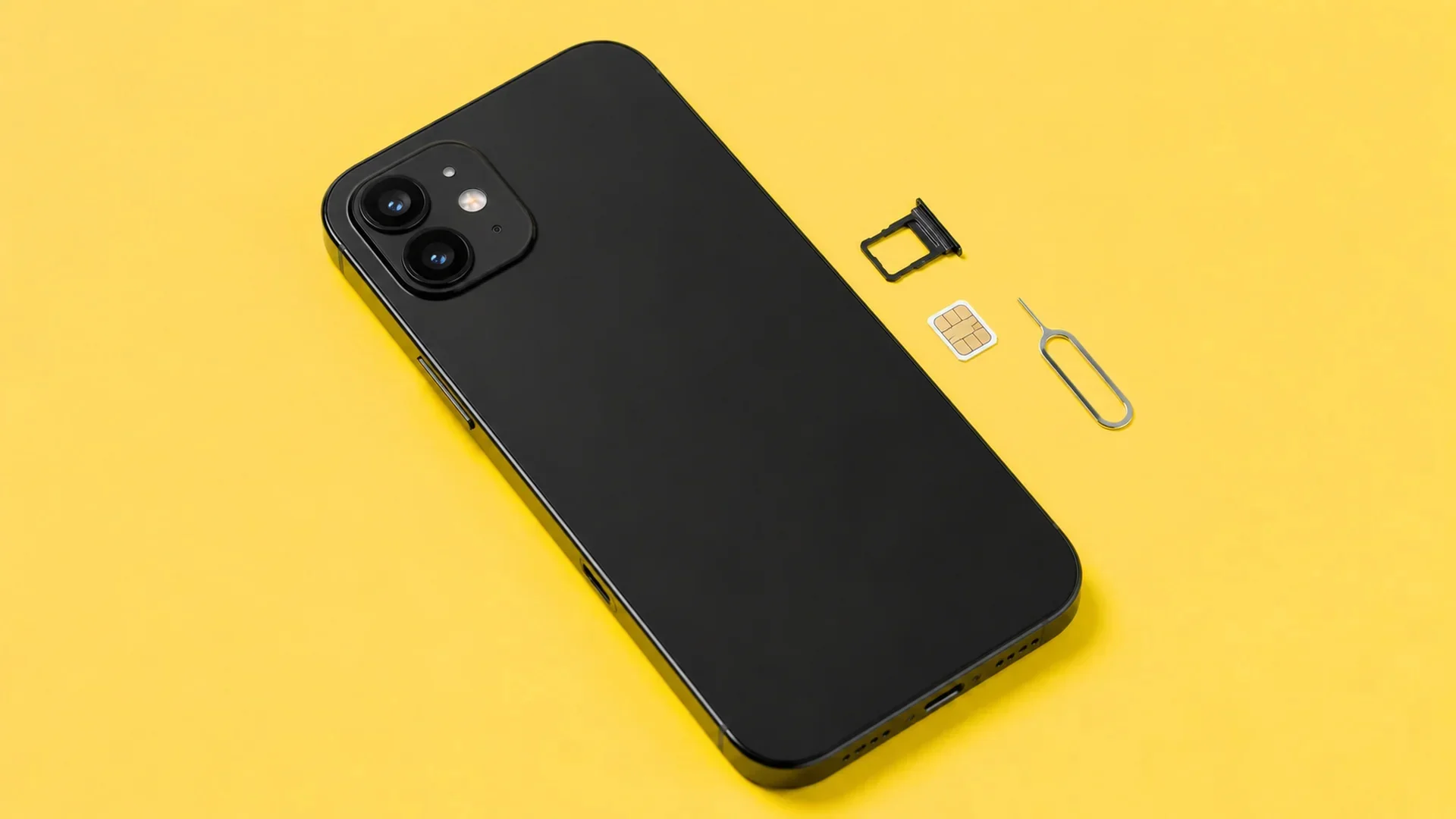
Yes, the iPhone 11 accepts eSIMs. All three models of Apple's 2019 generation, iPhone 11, iPhone 11 Pro and iPhone 11 Pro Max, ship with an eSIM on top of the nano-SIM tray. It is the third iPhone generation to support eSIM technology, after the iPhone XS, XS Max and XR released in late 2018.
To check your unit's eSIM compatibility, three quick controls in the phone's settings. One: open Settings, General, About, and look for the EID line, a 32-digit identifier. Its presence confirms the eSIM module is there. You can also dial *#06# to display it. Two: in Settings, Mobile Data, the "Add eSIM" or "Add Mobile Plan" option must appear. Three: check the carrier lock in Settings, General, About. The words "No SIM restrictions" mean your device is unlocked and accepts any provider's eSIM. For a two-click check, our eSIM compatibility checker covers every brand.
One important geographic exception exists: iPhone 11 units bought in mainland China, Hong Kong or Macao work with two physical nano-SIM cards and have no usable eSIM. If you bought your phone second-hand, that point deserves a check: no EID line, no eSIM, and no update will change that.
The iPhone 11 is obviously not alone: every Apple model released since late 2018 supports eSIM, from the iPhone XR to the iPhone 15, 16 and 17 Pro, up to the iPhone Air sold with no SIM tray at all. We detailed the full list of eSIM compatible iPhones model by model in a dedicated article.
How do you set up an eSIM on iPhone 11?
To install an eSIM on iPhone 11, you need a Wi-Fi connection, an unlocked iPhone and the activation code supplied by the carrier or provider. Installation takes about 2 minutes. Apple shows the full procedure in its official video:
The most common method remains the QR code. You buy your plan online, receive a QR by email, then: 1. Open Settings, Mobile Data, "Add eSIM". 2. Choose "Use QR code" and scan it with the camera. 3. Tap the "Mobile plan detected" notification and follow the steps. 4. Name the line ("Travel", "Work") and choose which line carries mobile data. The eSIM profile downloads and the line appears in the settings.
Three alternatives exist. The provider's app can install the profile directly, without scanning. Some carriers push activation automatically: a "Mobile plan ready to be installed" notification appears and everything is done in a few taps. As a last resort, manually entering the activation details works from the same menu. The walkthrough is also documented on Apple's official support page.
The rat's advice: If it is for a trip, install the eSIM on Wi-Fi before departure, comfortably at home, and only activate the line on arrival. An airport with temperamental Wi-Fi is the worst place to scan a QR code, and most plans only start their validity at activation.
Which SIM card types work with the iPhone 11?
The iPhone 11 accepts two SIM card types: the nano-SIM, the smallest physical card format, and the eSIM, built into the device. According to Apple's official spec sheet, it is not compatible with micro-SIM or mini-SIM, the older and larger formats.
In practice, if your carrier supplied a physical SIM card, it must be nano-SIM format to fit the tray. Most cards sold for years now are pre-cut to all three formats, so a blocking case is rare. And if you want to drop plastic entirely, you can ask your carrier to convert your line to an eSIM from the customer area: Orange, SFR, Bouygues Telecom and Free all offer it.
The eSIM, for its part, has no format: it is a virtual SIM card, a chip soldered into the phone onto which you download one or more profiles. We explain how the technology works in detail in our what is an eSIM article. What matters for the iPhone 11: the phone can store several eSIM profiles in memory, but only one is usable at a time, alongside the nano-SIM.
Is the iPhone 11 Dual SIM compatible?
Yes, the iPhone 11 is Dual SIM compatible, in nano-SIM + eSIM mode. You can have two numbers active at the same time on the same phone: receive calls on both lines, choose which one sends texts, and above all designate which one carries mobile data. Apple details this on its use Dual SIM on iPhone page.
The most useful use case remains travel: your home line stays active on the physical card to receive calls and bank verification codes, while a local travel eSIM provides data with no roaming fees. That is the main eSIM advantage on this model: no card to hunt for on arrival, no tray to open with a paperclip, and your usual number stays reachable.
One limit to know: on iPhone 11, only one eSIM can be active at a time. Two eSIMs cannot run simultaneously, a physical nano-SIM is mandatory for the second active line. That restriction disappears from the iPhone 13, which handles two active eSIMs in parallel. You can, however, keep several profiles stored and switch between them in the settings: we dedicated an article to exactly how many eSIMs an iPhone can store, generation by generation.
iPhone 11: specifications and spec sheet
Released in September 2019, the iPhone 11 remains a very widespread smartphone in 2026, especially on the second-hand and refurbished market, where its price makes it attractive as a first Apple device or a travel phone. Here is its full spec sheet.
Dimensions: 150.9 x 75.7 x 8.3 mm.
Weight: 194 g.
Display: 6.1-inch Liquid Retina HD LCD, 1792 x 828 resolution.
Camera: dual 12 MP camera with wide and ultra-wide lenses.
Operating system: iOS.
Chip: Apple A13 Bionic, 6-core CPU.
Memory: 64, 128 or 256 GB, up to 256 GB of storage.
Battery: lithium-ion battery with built-in fast charging.
Battery life: up to 17 hours of video playback.
SIM card: Dual SIM, nano-SIM and eSIM.
Price: €809 at launch in 2019, far cheaper refurbished today.
Specifications checked on 18 August 2026 on Apple's official iPhone 11 spec sheet.
On the network side, the iPhone 11 is a 4G LTE phone: it does not pick up 5G, which arrived at Apple with the iPhone 12. For eSIM use, that changes nothing about compatibility, only the maximum connection speed. And if you are wondering about tablets, Apple's logic is the same: recent cellular iPads, iPad Pro, iPad Air, iPad mini and standard iPad, support eSIM just like iPhones, as does the cellular Apple Watch.
Which travel eSIM for your iPhone 11?
An eSIM compatible, unlocked iPhone 11 opens the door to every travel eSIM provider on the market: Airalo, Holafly, Saily, Ubigi, Nomad, Yesim, voilà and some twenty others. Each has its positioning: some play unlimited data, others multi-country coverage or price per GB. voilà, for instance, positions itself on value for money with final displayed prices, an eSIM that is easy to install with an easy-to-use app, and human customer support 24/7.
The right choice depends on your destination, your data volume and the length of the stay. That is exactly the trade-off the comparator settles, with hand-checked prices: our page of compared eSIM carriers and providers gives you the overview, destination by destination.
The rat's advice: Your iPhone 11 only runs one active eSIM at a time, so for a multi-country trip, favour one regional eSIM rather than several national eSIMs to swap. You will avoid juggling the settings at every border.
In short: the iPhone 11 accepts eSIMs without restriction outside mainland China, installation takes 2 minutes with a QR code, Dual SIM works as nano-SIM + eSIM, and even seven years after its release, this phone remains an excellent connected travel companion.
Frequently asked questions
Which other iPhones are eSIM compatible?
How many eSIMs can the iPhone 11 store?
Can you use two eSIMs at the same time on the iPhone 11?
Is my iPhone 11 bought abroad eSIM compatible?
Are iPads eSIM compatible?
Does my WhatsApp number change with a travel eSIM?
Most read
 August 18, 202614 min read
Free Mobile country list: the destinations included abroad (2026)
Free 5G+ plan: 35 GB across 117 destinations. Free Max: unlimited in over 140. The full list of included countries, the limits and the plan B.
 Rony
Rony July 28, 20267 min read
Squeezie eSIM: should you use the Saily promo code?
Squeezie sponsors the Saily eSIM with a -15% promo code. We break down the offer, compare price per GB and tell you whether it is really the best deal.
Rony August 28, 202610 min read
Free eSIM: what is actually free, and what is not (2026)
Six eSIMs with real free data, as reported on September 15, 2026, from providers, their terms and conditions, and when paying €0.80 becomes the smarter choice.
Rony August 19, 20269 min read
La Poste Mobile eSIM: not available yet, and here is when that changes (2026)
La Poste Mobile does not offer eSIM yet, only physical SIM cards. Announced launch date, alternatives and compatible phones in 2026.
Rony August 25, 202610 min read
Numero eSIM review: legit or not? What the ratings don't tell you (2026)
Suspended Trustpilot rating, 3.5/5 on the App Store, disputed charges: our full Numero eSIM review, with verified prices and the alternatives.
Rony August 26, 20269 min read
Does WhatsApp use mobile data? How much, and how to stay in control (2026)
WhatsApp eats into your data plan: from 0.01 MB per message to 20 MB per minute of video call. The numbers, the settings that save your plan, the travel case.
Rony